(Cross-posted on Google Apps Developer Blog)
Posted by Tom Holman, Product Manager, Google Sheets
There was a time when office work used to be all about pushing physical paper. Computing and productivity tools have made things better, but workers still find themselves doing the same tasks over and over across the different apps they use: copying and pasting from a CRM app to a slide presentation, or manually exporting data from a project management app just to turn around and import it back into a spreadsheet. It’s the digital equivalent of pushing paper.
To make it easier to get the job done across multiple apps, without all the copy and paste, we’re announcing three new APIs and a new feature to help workers get to the data they need, when and where they need it.
Build seamless integrations with the new Sheets and Slides APIs
Our new APIs let developers connect their apps—and the data within them—more deeply with Google Sheets and Google Slides.
The new Sheets API gives developers programmatic access to powerful features in the Sheets web and mobile interfaces, including charts and pivot tables. For example, developers can use Sheets as part of a rich workflow that pushes data from their app into Sheets and allows users to collaborate on that data before the updated data is pulled back into the original app, removing altogether the need to copy and paste.
Teams at Anaplan, Asana, Sage, Salesforce, and SAP Anywhere are already building interesting integrations with the new Sheets API. Check out this video to see an overview of what’s possible, as well as several example integrations.
The new Sheets API is available today. Find the developer documentation as well as a codelab to help you get started at developers.google.com/sheets.
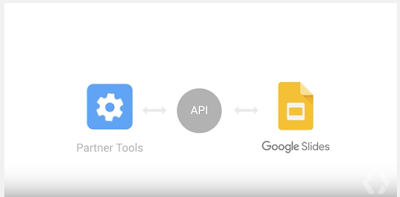
Similar to the Sheets API, the new Slides API gives developers programmatic access to create and update presentations. For example, developers can use this API to push data and charts into Slides to create a polished report from source data in other application, ready to present.
Conga, ProsperWorks, SalesforceIQ, and Trello are all building integrations with Slides using the new API. Several examples of what’s possible are in this video.
The Slides API will be launching in the coming months, and these partner integrations will be available soon after. You can sign up for early access to the Slides API at developers.google.com/slides.
Keep your data in sync with the new Classroom API
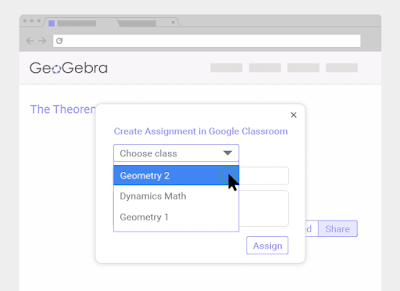
For developers building tools and workflows for schools, the Classroom API has launched new coursework endpoints to help you build stronger integrations that keep your data in sync. Read the full announcement on the Google for Education blog, here.
Say goodbye to stale data with linked charts
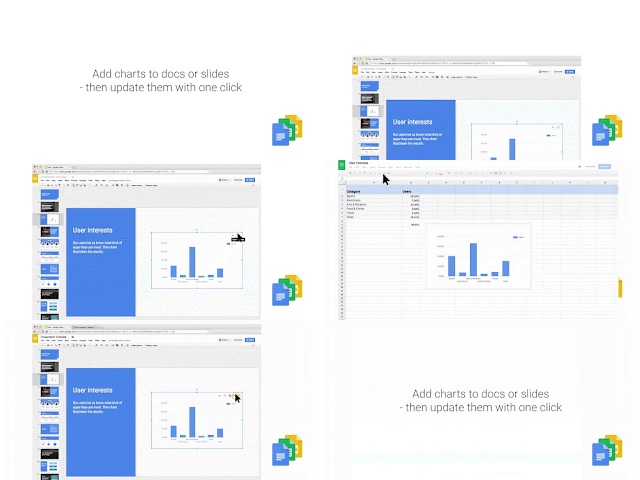
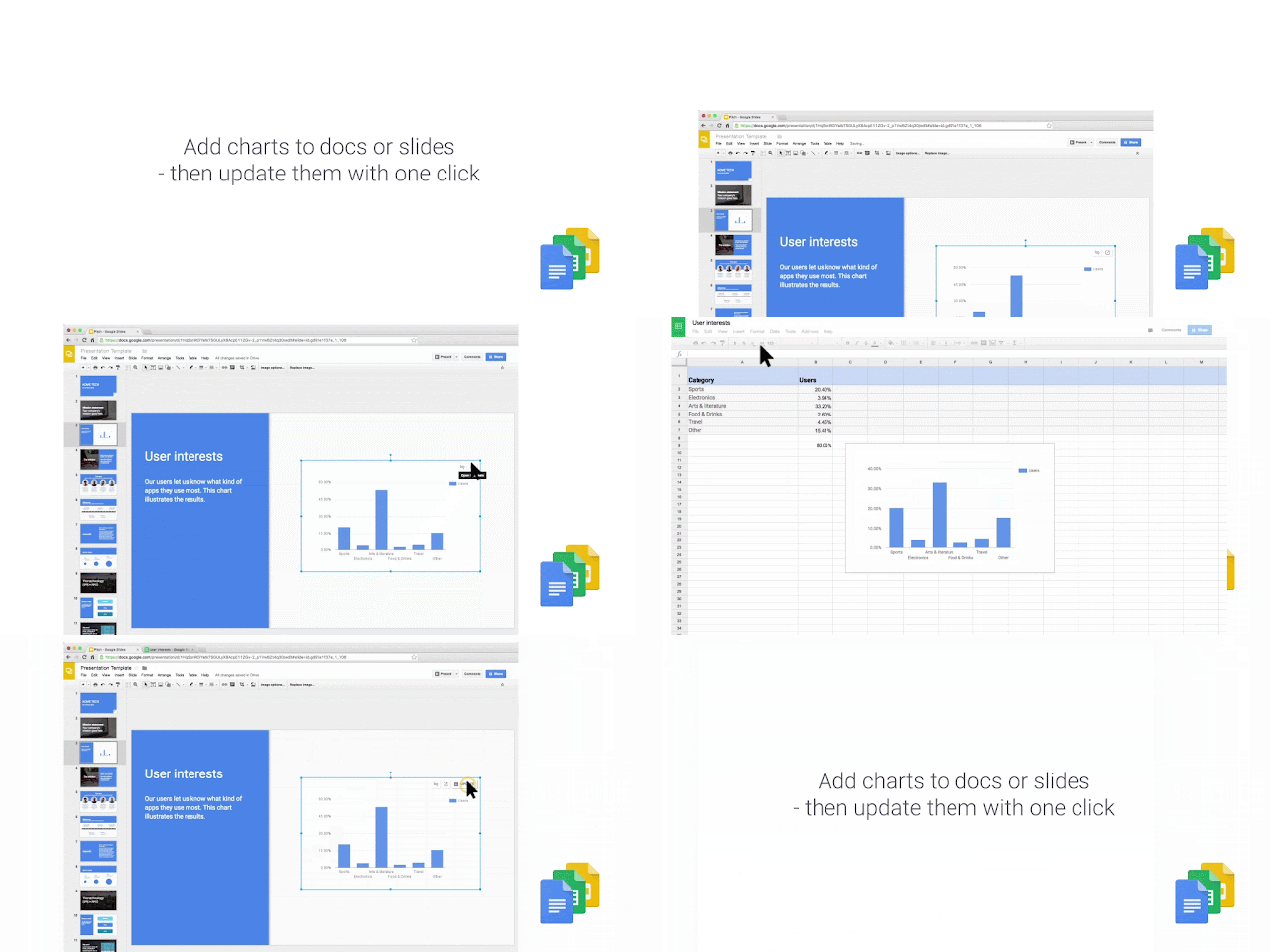
Finally, to make sure we can help keep all this data flowing seamlessly from app to app, users can now also embed linked charts from Sheets into Docs or Slides. The result? Once the underlying data in a spreadsheet changes, whether that change comes from an action taken in another app via the API or a collaborator, an updated chart in the corresponding presentation or document is just one click away.
For more information, see how to add a chart to a document or to a presentation.
We can’t wait to see what you build.
Note: all launches are applicable to all Google Apps editions unless otherwise noted
Launch release calendar
Launch detail categories
Get these product update alerts by email
Subscribe to the RSS feed of these updates